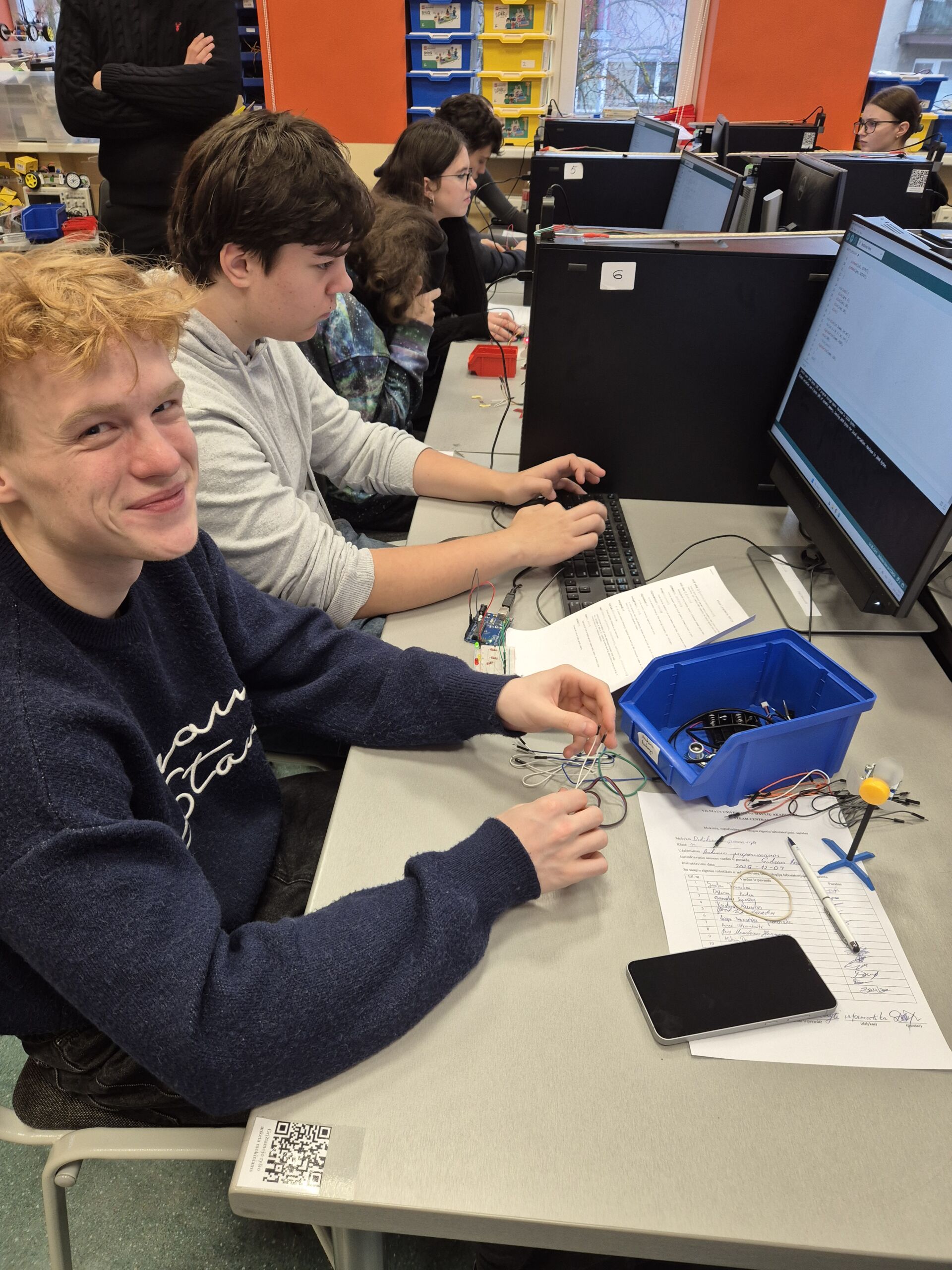
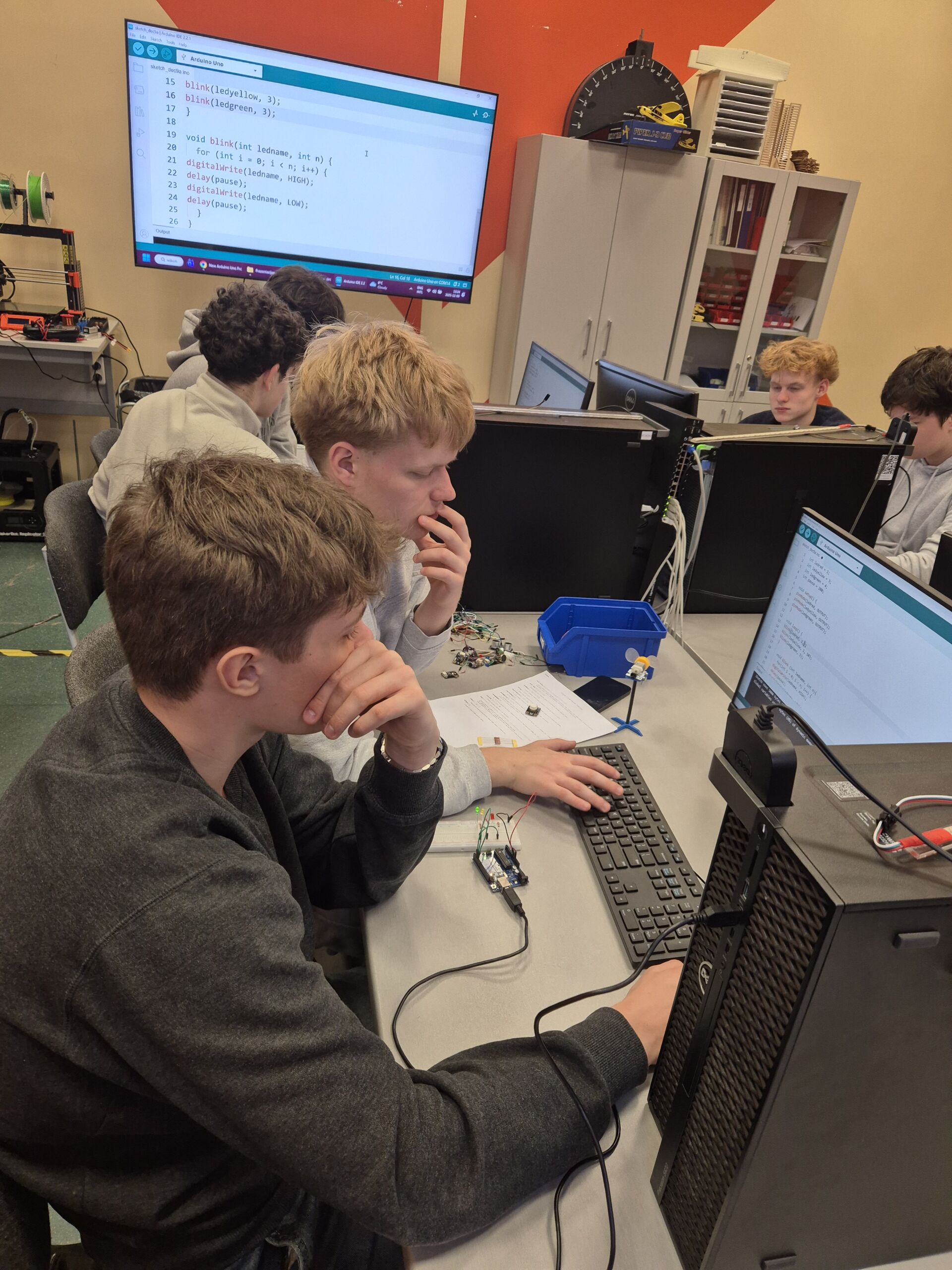
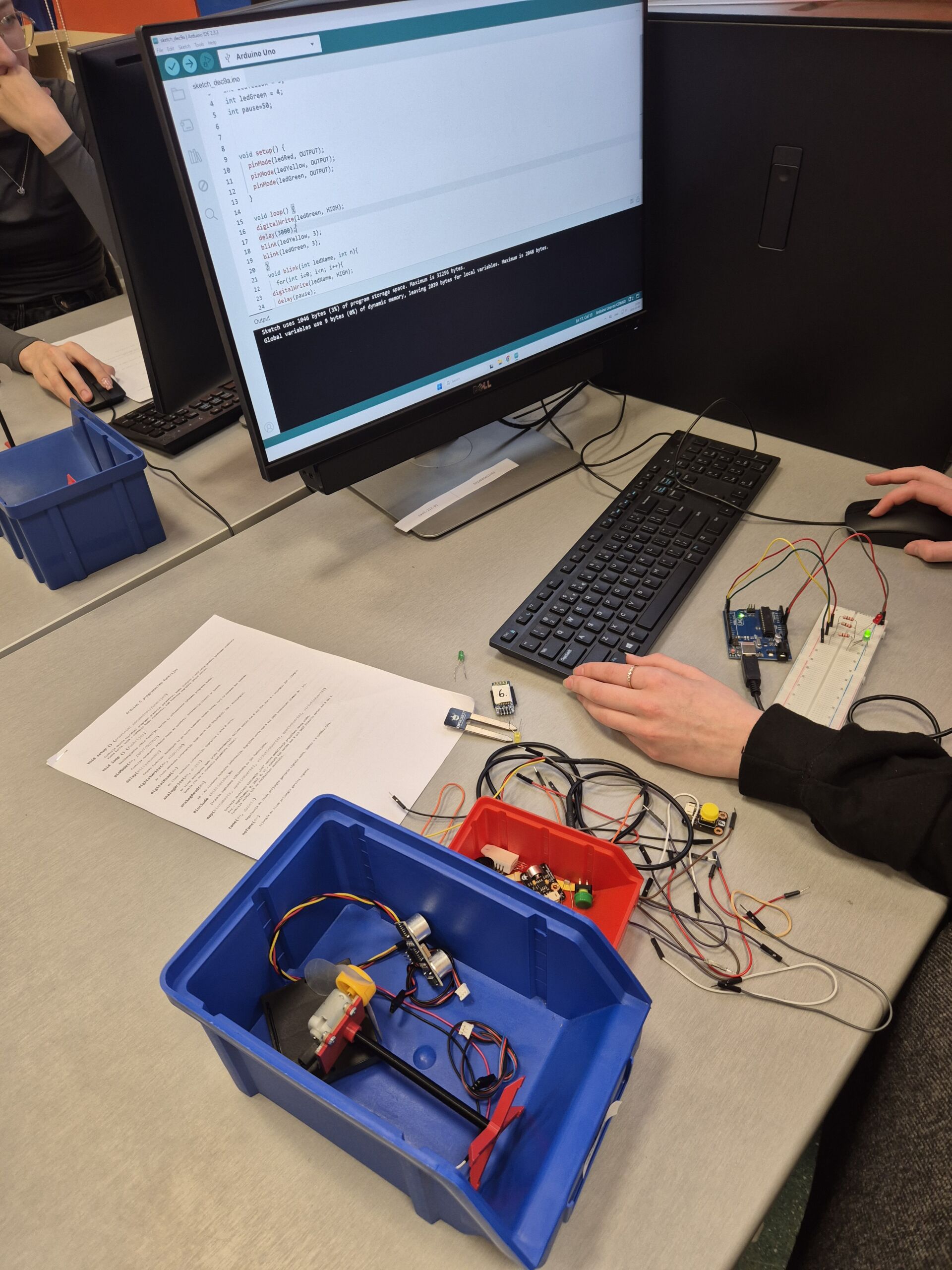
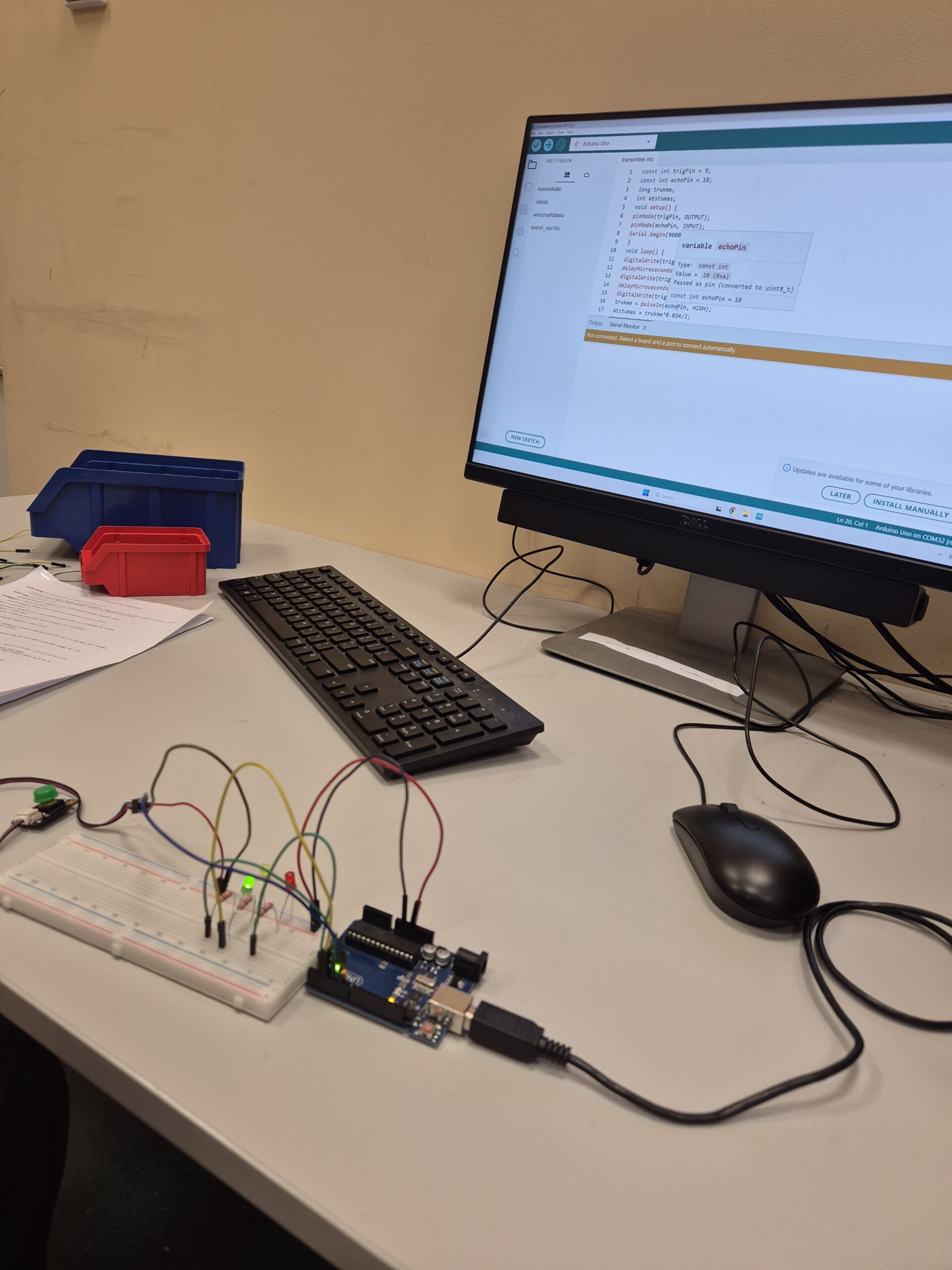
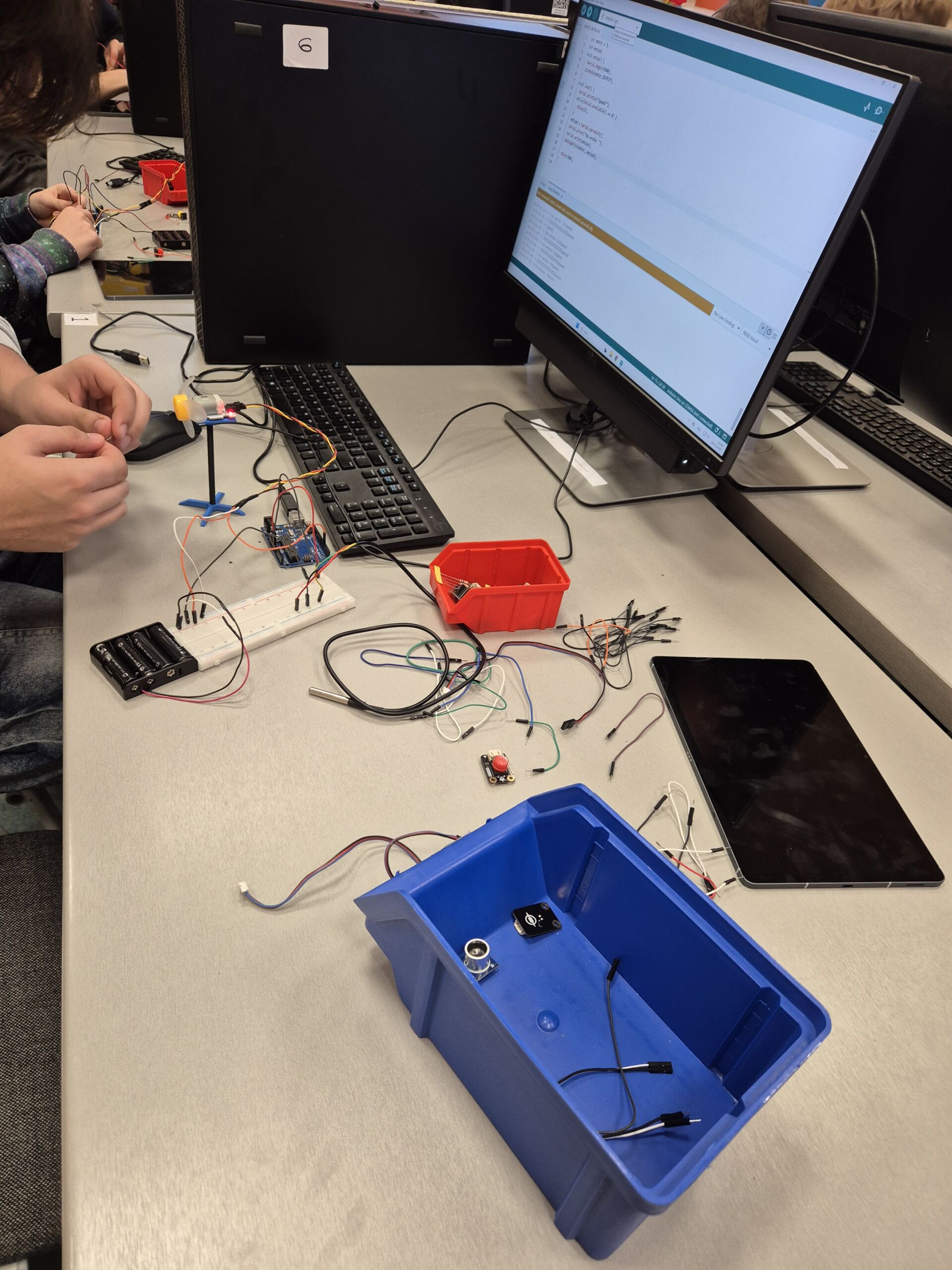
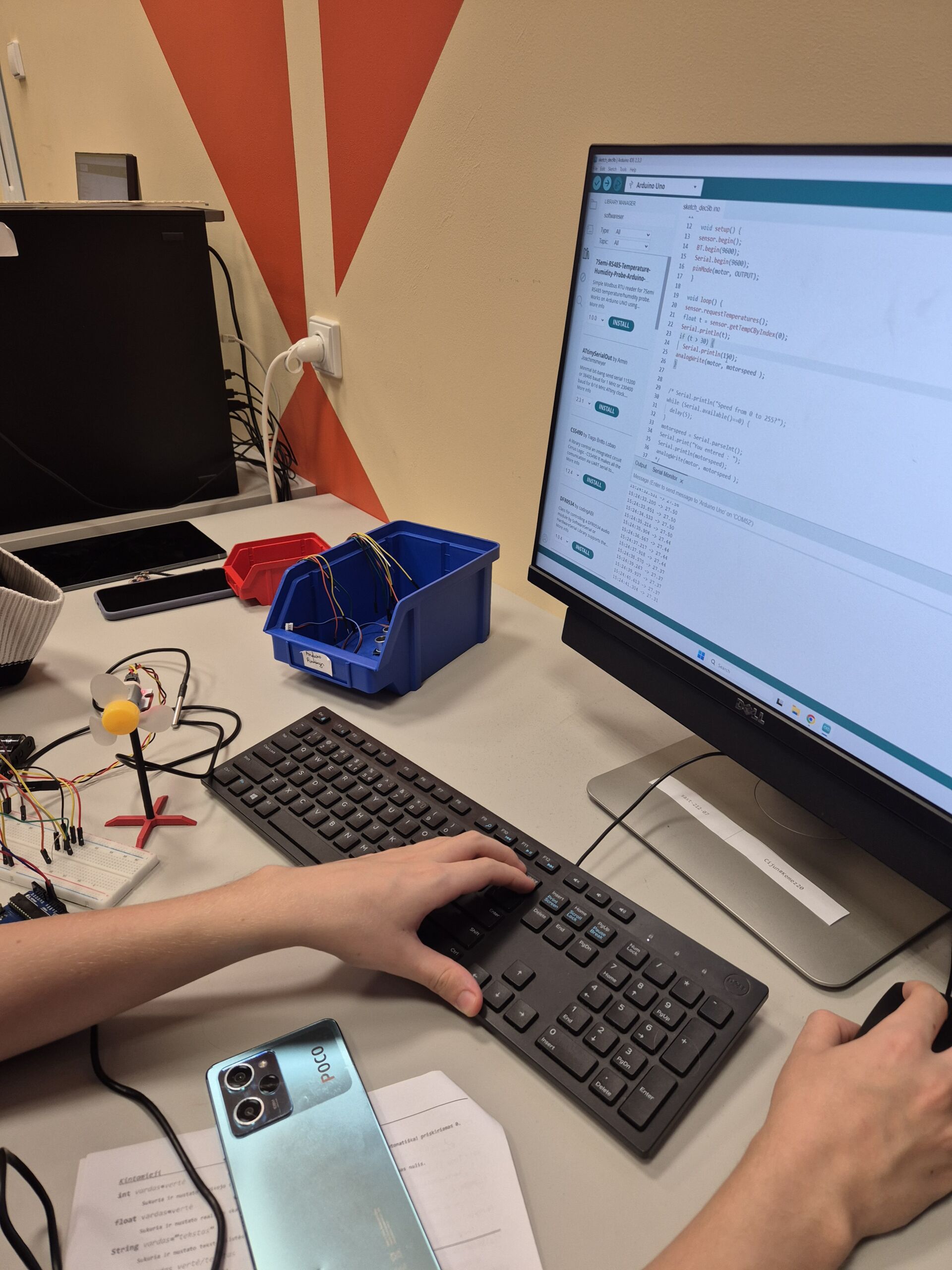
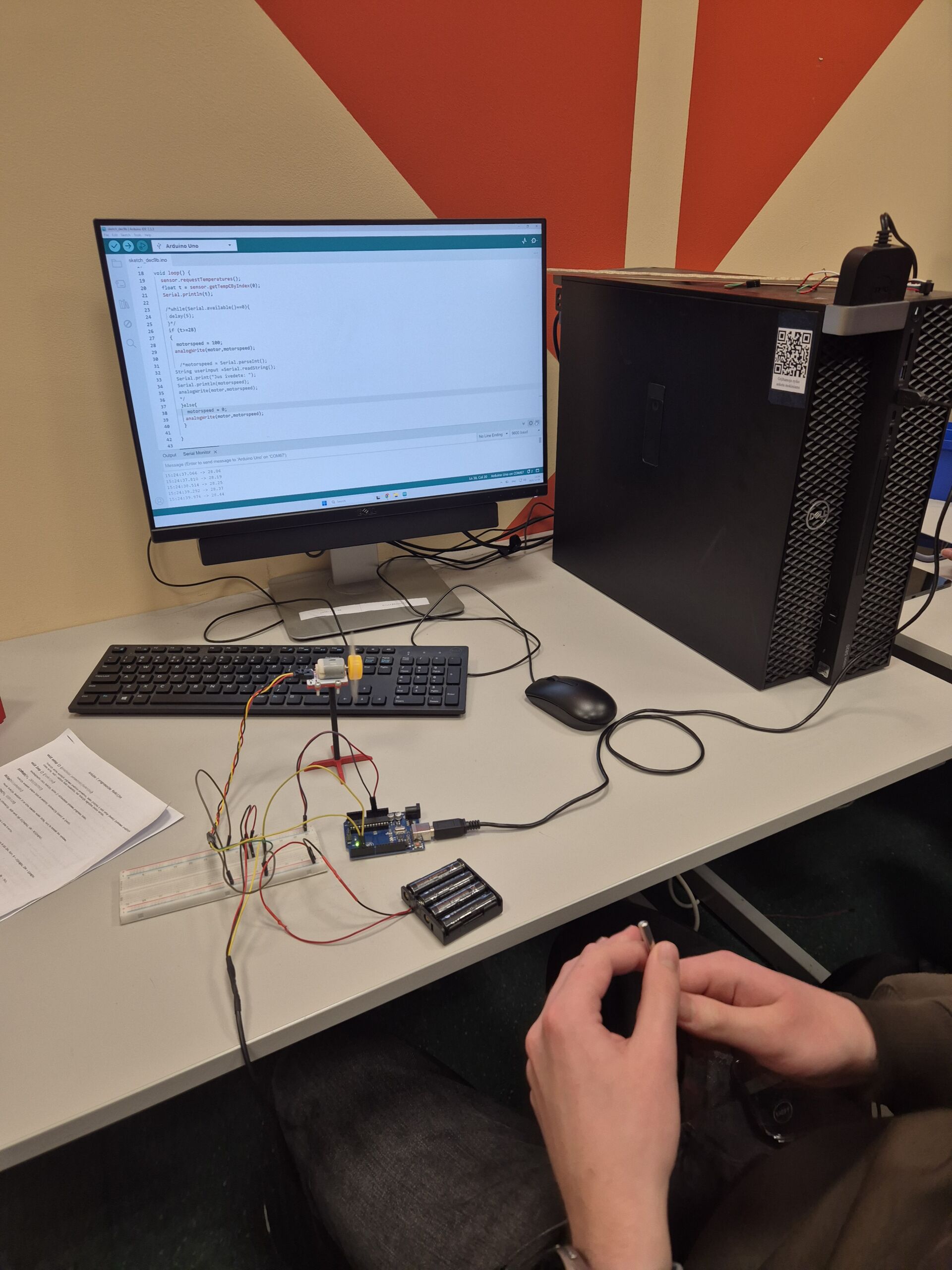
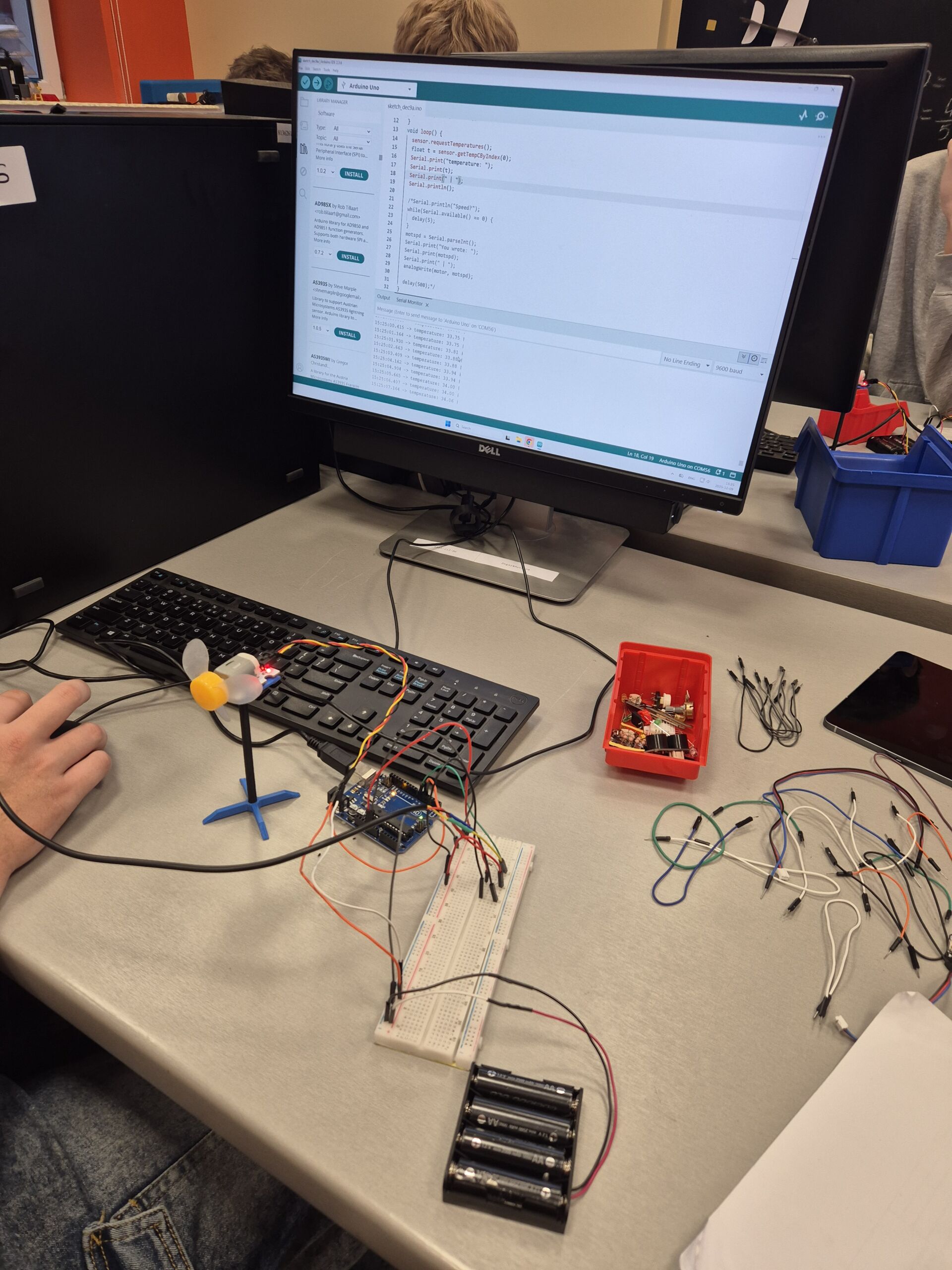
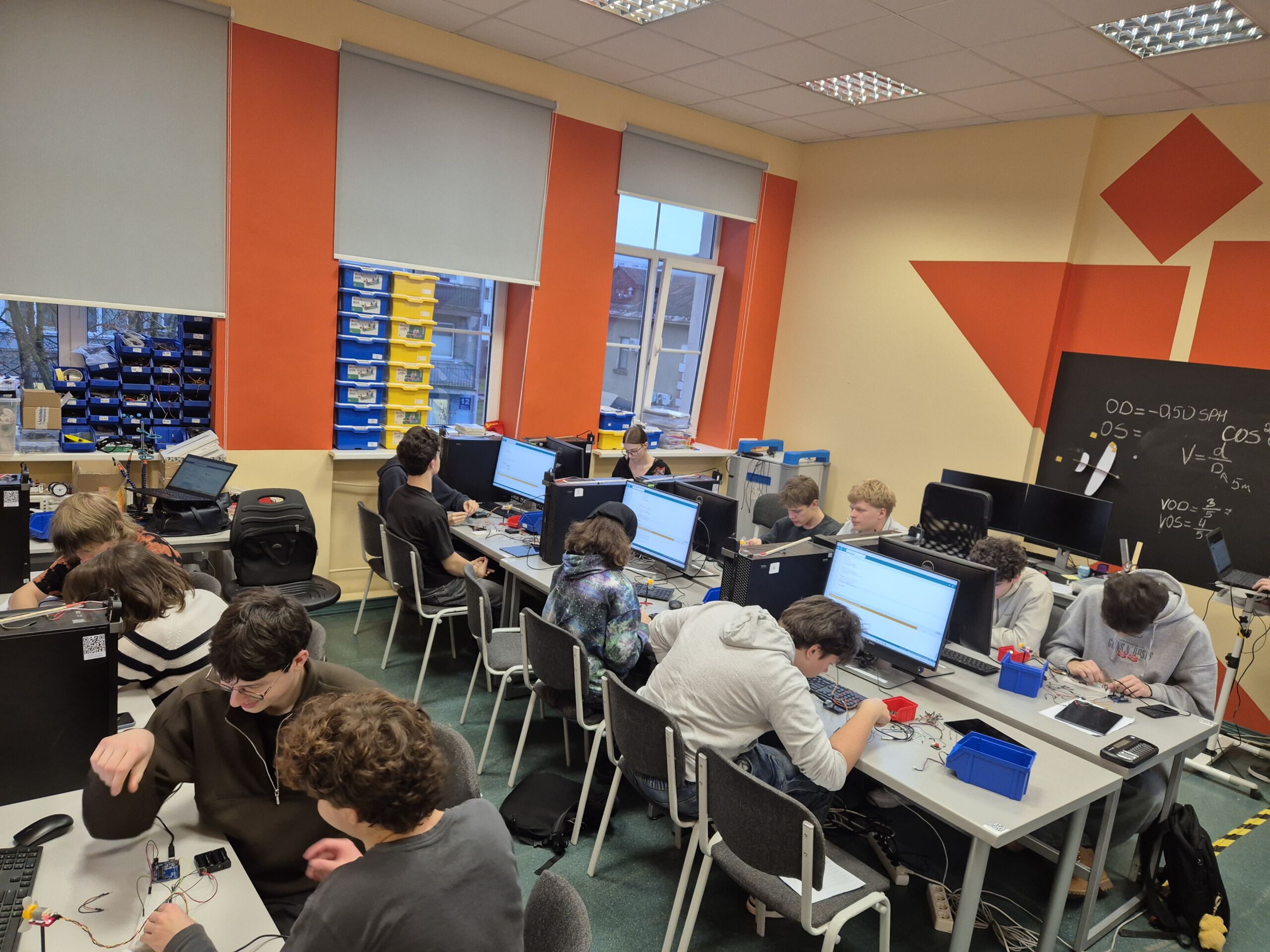
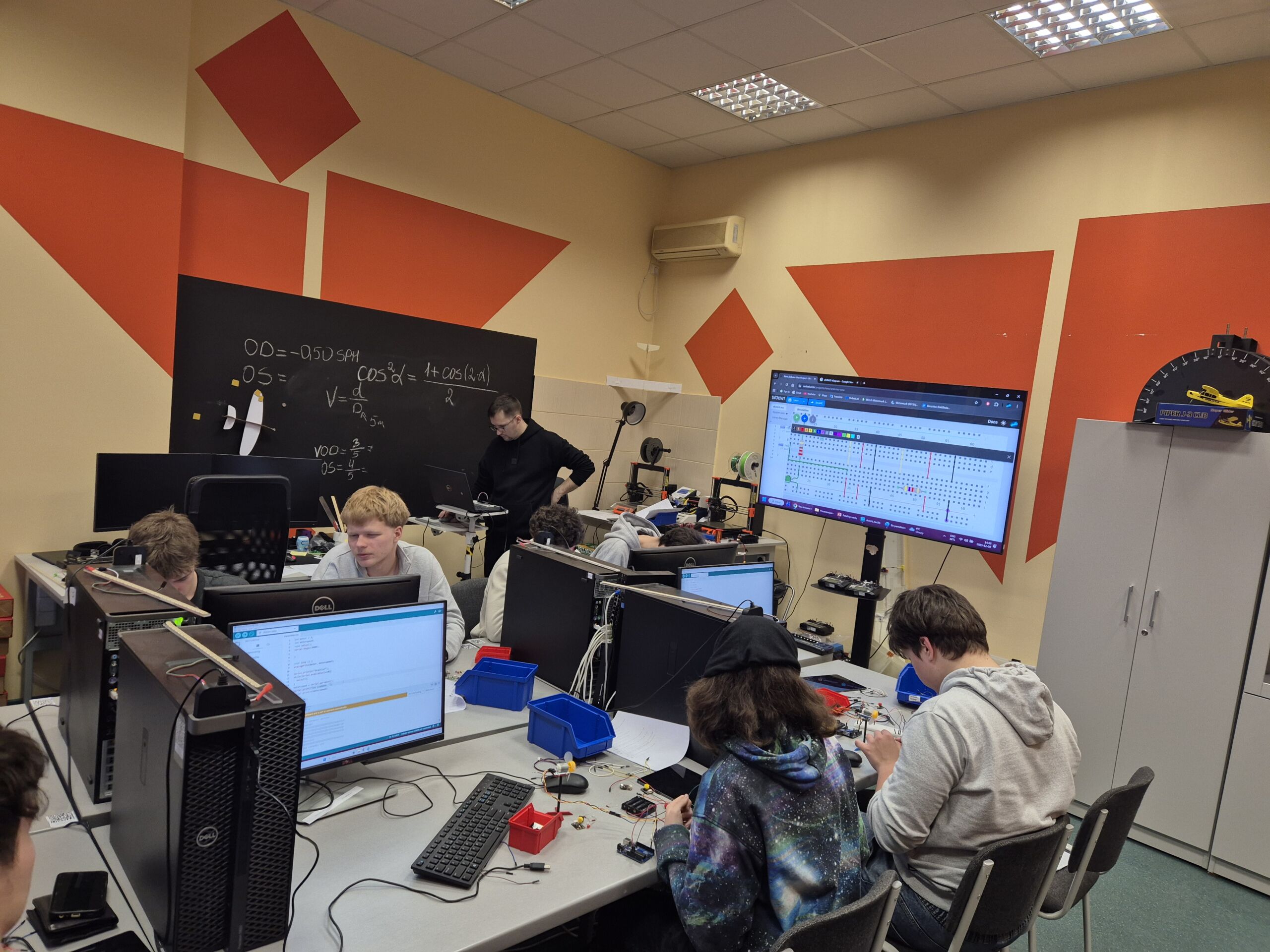
Gruodžio 9 d. TB1 ir TB2 kl. Computer Science pamokos vyko VU ŠA STEAM centre. Gimnazistai tris valandas kūrė programas Arduino mikrovaldikliui, pagilino fizikos dalyko žinias ir gebėjimus. Maketavimo plokštėse jungė šviesos diodų elektrines grandines, programavo šviesoforo veikimą, išmatavo savo kūno temperatūrą su sukonstruotu temperatūros jutikliu ir išvedė jutiklių duomenis į Arduino terminalą. Pabaigoje atliko tiriamąjį darbą, kur reikėjo sukonstruoti ir suprogramuoti, kad motoriuko greitis aktyvuotųsi priklausomai nuo temperatūros.
Džiugu, kad susidomėjo ir į edukaciją prisijungė abiturientai Liepa Bernadeta ir Joris.
Dėkojame edukacijos vadovui metodininkui Giedriui Brūžui.
Daiva Bukelytė, IB Computer Science mokytoja
Mokinių refleksijos:
Last Tuesday our CS teachers brought us to the steam center. I heard a lot of my last classmates went there, and they had a blast there. In there I could say the code in real life what ir do. So what did we program? We programed with Arduino. Arduino language is C++, so it was kind a shame that it wasn’t in java but the language was similar so that good at least. So with Arduino we programmed led lights, so that was cool, then the professor gave us more difficult task, we had to mimic the traffic lights with three led lights, and I was sleepy so it was an hard to concentrate but in the end we finished it. Last mission was to control a fan and to connect the thermometer to the fan’s engine. And this task was more easier that with the traffic in code wise. But with cables It was more complex, because there we needed triple the wires and triple the resistors. Overall it was fun, I would do it again. Danielius, TB1
During the Arduino Microcontroller Programming activity, I remembered a bit of C++ code, which was confusing at times, but the guide was helpful. Although I worked alone, I found the process somewhat uncomfortable, especially after making a crucial mistake by mixing up the wires (+ and –), which almost burnt the cable. It was a tense moment, but fortunately, everything ended up okay. This experience served as a reminder to be more attentive and careful when working with electronics. Despite the stress, completing the task was somewhat satisfying.
Saulė, TB1
The activity “Arduino Microcontroller Programming” was a valuable hands-on learning experience. At first, we learned the basics by turning on lights, then progressed to flashing them, which helped us understand timing and loops. Later, creating a stop light program showed how, by delaying, you can create more complex programs. After that, we worked with a fan, learning how to control its speed through programming, which demonstrated practical control of hardware. The most interesting part was programming the fan to turn on automatically when a temperature sensor detected a certain level. This activity improved my understanding of microcontrollers and real-world automation. Augustas, TB1